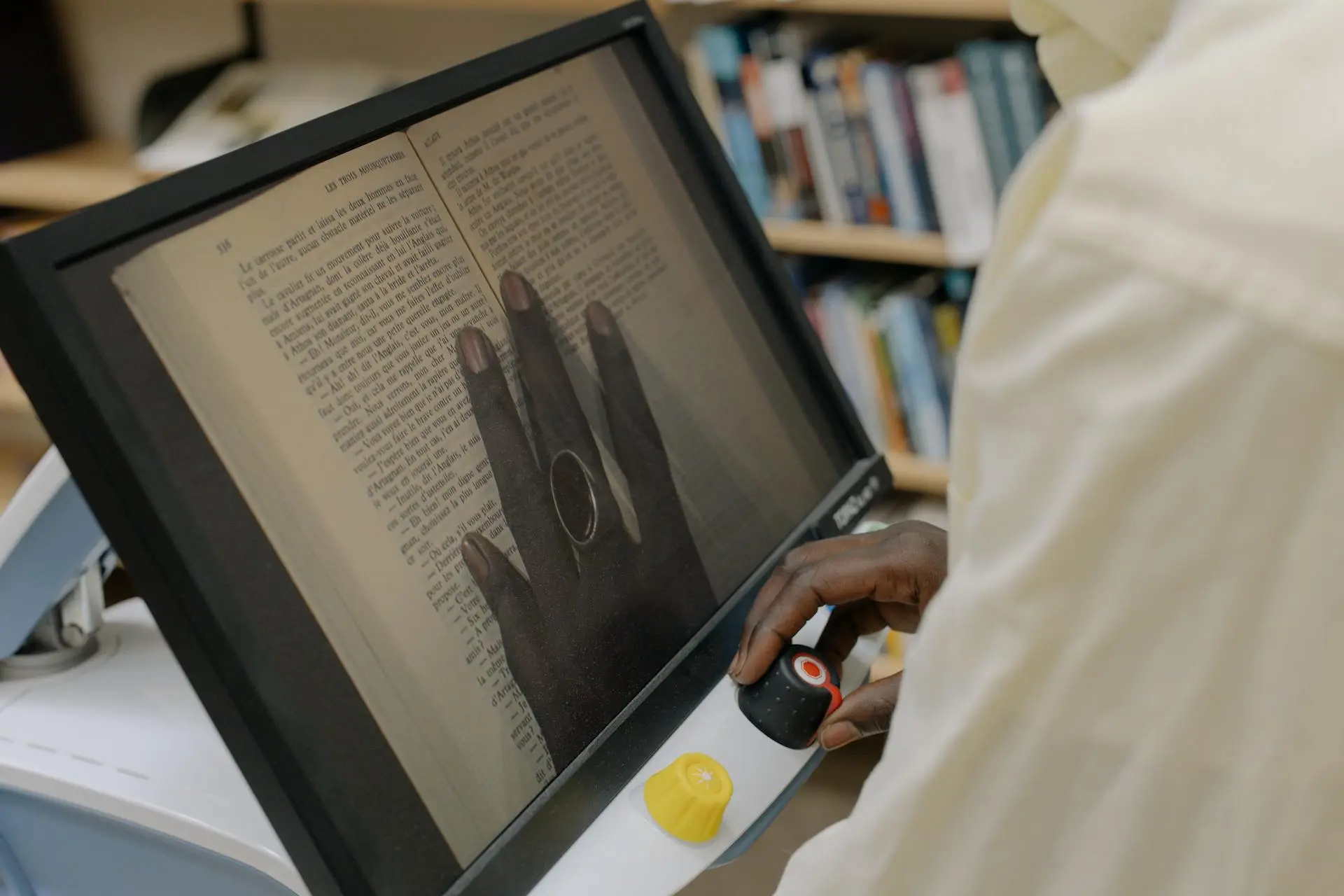
As more organisations digitise printed materials, one common question comes up early in the process: Should we scan books ourselves, or use a professional book scanning service?
This DIY vs professional book scanning guide breaks down the real differences — not in theory, but in practical outcomes. It compares quality, cost, risk, time investment, and long-term usability so you can make an informed decision based on how your books will actually be used.
If you are already exploring scanning as part of a wider content strategy, this article builds directly on our main book scanning guide, which explains when scanning or reprinting makes more sense overall.
Table of Contents
What is DIY Book Scanning?
What is Professional Book Scanning?
DIY vs Professional Book Scanning: Key Differences at a Glance
Scan Quality: Why It Matters More Than Most Expect
DIY Scanning Limitations
Professional Scanning Advantages
Risk to Original Books: DIY vs Professional
Risks with DIY Book Scanning
How Professionals Reduce Risk
Time & Productivity Costs: The Hidden Factor
Cost Comparison: DIY vs Professional Book Scanning
How This Fits Into a Modern Content Strategy
Choosing the Right Book Scanning Approach
What Is DIY Book Scanning?
DIY book scanning typically involves using:
Office scanners
Flatbed scanners
Multi-function printers
Smartphone scanning apps
This approach is usually handled internally, without specialised equipment or dedicated workflows for bound materials.
DIY scanning works best when documents are:
Short
Already unbound or loose
Intended for internal or temporary use
Because it relies on general-purpose tools, DIY scanning prioritises convenience over precision.
What Is Professional Book Scanning?
Professional book scanning uses specialised equipment and controlled processes designed specifically for bound materials and high page counts.
Unlike casual scanning, professional setups account for:
Spine curvature
Page alignment near margins
Consistent lighting and colour accuracy
Minimal physical stress on books
Professional scanning is often used when content is valuable, archival, or intended for reuse — especially when scanned files may later be edited, redesigned, or reprinted.
DIY vs Professional Book Scanning: Key Differences at a Glance
Factor
DIY Book Scanning
Professional Book Scanning
Scan Consistency
Variable
High and Uniform
Handling of Bound Books
Limited
Purpose-built
Risk to Originals
Higher
Controlled and Minimal
Time Required
High (Manual Effort)
Efficient, Scalable
Suitable for Reprinting
Rarely
Yes
Best Use Case
Short, Low-risk Documents
Valuable, Long-term Content
This comparison forms the foundation for the deeper considerations below.
Scan Quality: Why It Matters More Than Most Expect
Scan quality affects more than readability — it determines whether scanned content remains usable in the future.
Low-quality scans often result in:
Cropped or distorted text near the spine
Inconsistent margins across pages
Uneven brightness or shadows
Poor OCR accuracy
These issues may not be obvious at first glance, but they create friction later when files need to be searched, edited, or repurposed.
1) DIY Scanning Limitations
DIY scanning frequently struggles with:
Curved pages near bindings
Manual alignment errors
Inconsistent resolution across pages
Slower scanning speeds
For short documents, these drawbacks may be acceptable. For books with hundreds of pages, they compound quickly.
2) Professional Scanning Advantages
Professional scanning workflows are designed to:
Maintain consistent output across entire books
Capture text cleanly near the spine
Produce files suitable for OCR and layout work
Reduce the need for post-scan correction
This becomes especially important when scanned files are intended for future reprinting or redesign, rather than simple archival storage.
Risk to Original Books: DIY vs Professional
One of the most overlooked factors in scanning decisions is physical risk to the original material.
1) Risks with DIY Book Scanning
DIY scanning can unintentionally:
Crack spines when books are forced flat
Tear pages during repeated handling
Cause long-term damage to perfect-bound or older books
For documents that are rare, annotated, or irreplaceable, these risks are significant.
2) How Professionals Reduce Risk
Professional scanning reduces risk through:
Controlled page handling
Adjustable supports for different binding types
Non-destructive scanning methods where required
When preservation matters, careful handling is just as important as scan quality.
Time & Productivity Costs: The Hidden Factor
DIY scanning often appears cost-effective — until time is factored in.
Scanning a single book manually may involve:
Page-by-page placement
Re-scanning misaligned pages
Manual file organisation
Post-processing corrections
For teams, this diverts time away from higher-value work. Professional scanning shifts this workload externally, allowing internal teams to focus on using content rather than capturing it.
Cost Comparison: DIY vs Professional Book Scanning
DIY scanning costs are usually hidden, not absent.
DIY costs include:
Staff time
Equipment wear
Rework due to inconsistent output
Professional scanning has clearer upfront pricing, but often reduces:
Re-scanning
Editing time
Long-term content loss
Many organisations evaluate scanning the same way they evaluate printing — based on value over lifespan, not just unit cost. This mirrors principles outlined in our last-minute affordable book printing guide, where preparation and execution quality directly affect outcomes.
How This Fits Into a Modern Content Strategy
Scanning is rarely the final step. In modern workflows, scanned content often progresses through:
OCR and text editing
Layout refinement
Selective reprinting
Updated binding methods
This scan-to-print workflow is common for training manuals, archived publications, and internal documentation. Understanding how scanning connects to downstream decisions is essential — and is explored further in our previous book scanning guide in Singapore.
Choosing the Right Book Scanning Approach
There is no universally “better” option — only a better fit.
DIY scanning may be suitable if:
Documents are short
Pages are already loose
Content is temporary
Quality requirements are low
Professional scanning is recommended if:
Books are bound or thick
Content is valuable or irreplaceable
Files may be reprinted or redesigned
Accuracy and consistency matter
In practice, many organisations scan first, then reprint selectively — making scanning decisions with the end use in mind. This mirrors the same planning principles highlighted in our guide to choosing book printing services in Singapore, where factors such as document lifespan, usage frequency, and output quality determine whether content should remain digital or be brought back into print.
A Strategic Way to Approach Book Scanning
At Print Print, scanning is approached as part of a broader content lifecycle, not just a technical step.
Clients are guided on:
Whether book scanning alone is sufficient
When reprinting adds more long-term value
How layout and binding choices affect usability
When careful handling, accuracy, and output consistency matter, working with an experienced book scanning service provider such as Print Print helps ensure materials are digitised responsibly and prepared for future use.
For projects that extend beyond scanning, organisations can also explore Print Print’s custom printing services in Singapore to transform digitised content into updated physical materials. You may also browse our portfolio to see how similar scanning-to-printing workflows have been executed in real-world projects.
Final Thoughts: Making the Right Choice for Your Content’s Future
DIY and professional book scanning both serve valid purposes. The difference lies in risk tolerance, content value, and long-term intent. DIY book scanning suits low-risk, short-term needs, while professional book scanning supports preservation, reuse, and scalability.
When scanning decisions align with how content will be used — not just how quickly it can be digitised — organisations avoid unnecessary rework and ensure their materials remain useful well into the future.
If you are unsure which approach is appropriate for your books, or if scanning is only one part of a larger scan-to-print workflow, speaking with an experienced provider can help clarify the best path forward.
 Big Thinkers Business | 09 Jan 2026