



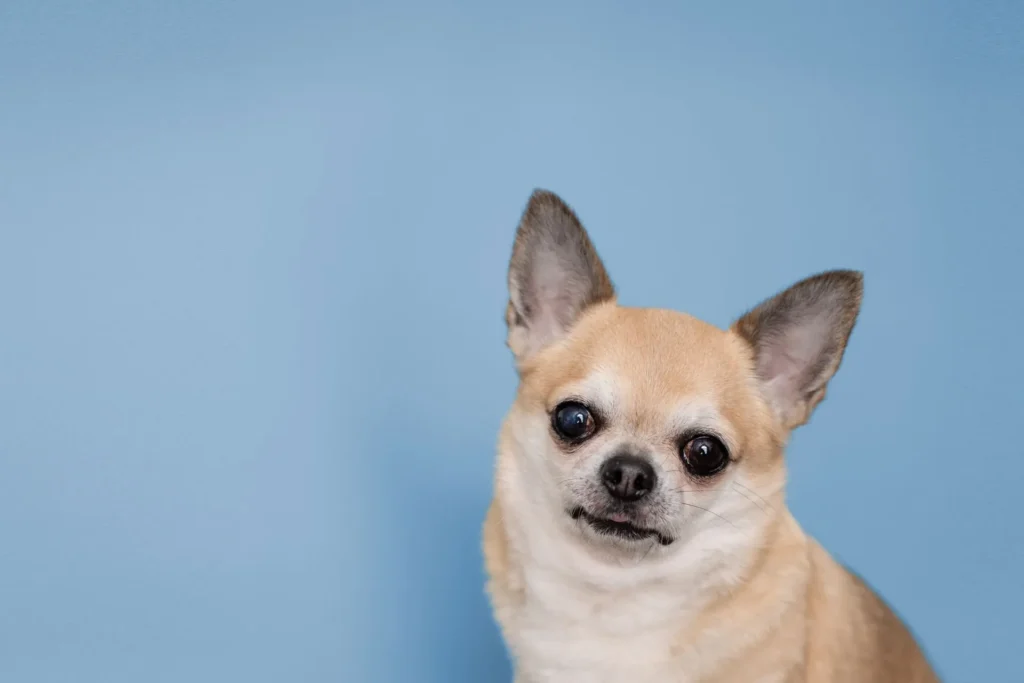
A photograph is usually the first element people notice on a personalised pet ID card.
Even when the surrounding layout is carefully prepared, a blurry, poorly lit or awkwardly cropped image can weaken the finished result. A clear and expressive photograph, by contrast, helps the card feel more polished, personal and meaningful.
Through Print Print’s pet ID card printing service, pet owners can transform a favourite photograph into a customised card for gifting, collecting, display or memorial use. However, photographs that look acceptable on a phone screen do not always reproduce equally well in print.
These pet id card photo tips explain how to choose, prepare and review an image before printing so the finished card captures both the pet’s appearance and personality clearly.Table of Contents
- Why a Strong Pet ID Card Photo Matters
- Start With the Sharpest Image Available
- Pet ID Card Photo Tips for Better Lighting and Clarity
- Make the Pet the Clear Focal Point
- Choose a Clean Background and Natural Expression
- Common Pet ID Card Photo Mistakes to Avoid
- Using Older Photos for Memorial Pet ID Cards
- Quick Photo Checklist Before Printing
- Turning the Photograph Into a Personalised Pet ID Card
- Final Thoughts
Why a Strong Pet ID Card Photo Matters
A pet ID card is a relatively small printed format, which means the photograph needs to communicate clearly within limited space.
The image often occupies a large part of the card and becomes the main emotional focal point. It helps the viewer recognise the pet immediately and gives the finished piece its individual character.
A strong pet ID card photo can improve:
- Facial clarity
- Colour reproduction
- Emotional impact
Image selection is therefore more than a decorative decision. It directly influences how well the personalised card translates from screen to print. Conversely, a weak image can lead to softer details, unclear facial features and a less polished result.
Pet owners exploring the wider uses of personalised cards can learn more through our Pet ID Card Singapore guide, which covers gifting, display, collecting and memorial applications.
Start With the Sharpest Image Available
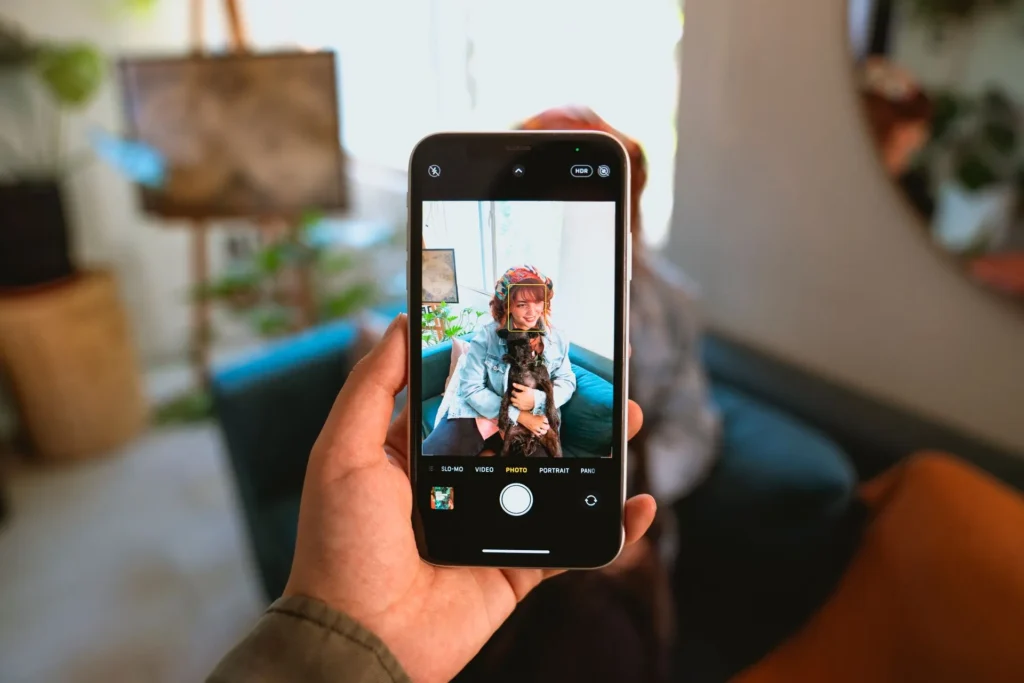
Sharpness is one of the most important factors when choosing a photograph.
Images viewed on a phone can appear clearer than they really are because they are displayed at a relatively small size. Once an image is cropped, enlarged or prepared for printing, weaknesses may become more visible.
Whenever possible, use the original photograph from the phone gallery or another high-resolution digital file where the pet’s face remains clear.Avoid relying on:
- Screenshots
- Social-media downloads
- Heavily compressed images
- Blurry photographs
Messaging and social-media platforms often compress image files, which can reduce fine detail even when the photograph still looks acceptable on a phone screen.
When several images are available, compare them at a larger size and choose the one with the clearest eyes, fur texture and distinctive markings. The strongest choice is usually the image that remains sharp after cropping.Pet ID Card Photo Tips for Better Lighting and Clarity
Soft natural daylight is often one of the easiest ways to photograph a pet clearly. Light near a window or in a shaded outdoor area can reveal fur texture without creating harsh highlights.
Useful lighting conditions include:
- Indirect daylight near a window
- Outdoor shade
- Bright but evenly lit indoor areas
Try to avoid:
- Strong backlighting
- Dark rooms
- Harsh flash
- Mixed lighting
Backlighting is a common problem. When the brightest source of light is behind the animal, the camera may expose for the background and leave the pet’s face too dark.
A better approach is to position the light in front of or slightly beside the pet so the eyes, fur colour and facial markings remain visible.
The goal is not necessarily to create a studio photograph. It is to ensure that the pet remains naturally and clearly visible.
Make the Pet’s Face the Clear Focal Point
For most pet ID card layouts, the animal’s face should be easy to identify immediately.
A photograph is generally more suitable when:
- The eyes are visible
- The face is not blocked
- The head occupies enough of the frame
- Distinctive markings remain visible
Photographing Pets With Dark Fur
Dark fur can lose texture in dim lighting, so use bright indirect light and avoid very dark backgrounds..
Photographing Pets With Light Fur
Very light fur can lose detail under strong lighting, so use shaded daylight and avoid overexposure.Photographs taken from too far away may not retain enough facial detail after cropping.
A closer portrait usually provides more flexibility. It can still feel playful and natural. The important point is that the pet remains the unmistakable visual focus.
Select a Clean and Supportive Background
The background affects how clearly the pet stands out.
A suitable background is usually:
- Relatively uncluttered
- Different enough from the pet’s fur colour
- Not brighter than the pet’s face
Avoid clutter, strong patterns, people or objects that compete with the pet’s face. A completely plain background is not essential; a natural environment can still look attractive when the animal is clearly separated from it.
For broader guidance on full layouts, colours and visual styles, our pet ID card design guide explains how the complete card design can be developed around the photograph.
Capture a Recognisable Expression
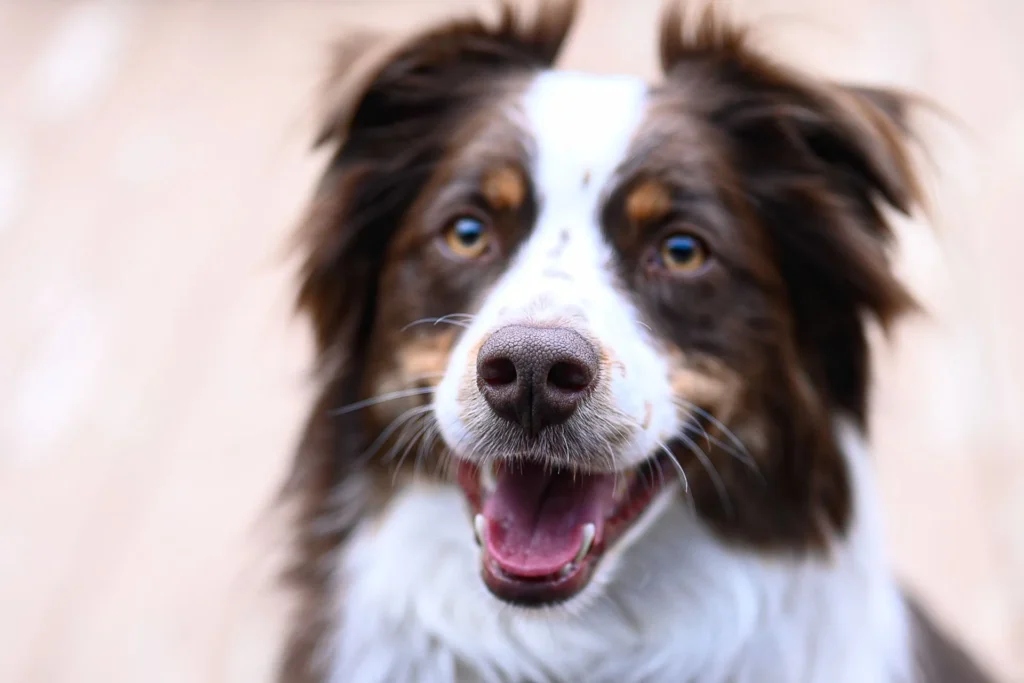
Technical sharpness matters, but personality matters too. Many owners prefer photographs that reflect how they naturally remember their pet.
A playful card may suit an alert look, humorous pose or familiar head tilt. A cleaner or more elegant card may suit a calm portrait with soft lighting. For memorial cards, a familiar and emotionally meaningful photograph may matter more than technical perfection.
The strongest image should feel recognisable and authentic rather than overly staged.Common Pet ID Card Photo Mistakes to Avoid
Common image problems include:
- Using screenshots: These may have lower resolution and contain unwanted interface elements.
- Choosing blurry action shots: Movement can reduce clarity around the face, eyes and fur.
- Applying heavy filters: Strong filters may distort fur colour, contrast and natural detail.
- Cropping too closely: Cutting off ears, whiskers or the top of the head can make the image feel cramped.
- Sending compressed copies: Images downloaded from social media or repeatedly forwarded through messaging apps may lose quality.
Using Older Photos for Memorial Pet ID Cards
Memorial cards may rely on older photographs, and the original high-resolution image may no longer be available.
Check old phone galleries, cloud storage, email attachments, family albums and old devices for the highest-quality version available.
Avoid enlarging a small image repeatedly, as this cannot recreate detail that was not present in the original file.
When only one meaningful photograph is available, a more restrained presentation may help it reproduce effectively.
This may involve:
- Using a smaller image area
- Avoiding excessive enlargement
- Keeping supporting details concise
For a memorial item, emotional significance may outweigh minor technical limitations.
Photograph selection, tribute wording and overall tone require additional care in remembrance projects, as explored in our guide to pet ID card printing for memorial pets.
A Practical Photo Checklist Before Printing
Before submitting the photograph, check:
Image quality
- Is the image sharp?
- Is the original file available?
Lighting
- Are details lost in shadows or highlights?
Composition
- Can the image be cropped without cutting important features?
File preparation
- Is it a screenshot?
- Is a clearer version available?
Following these pet ID card photo tips can help reduce common image problems before the card is prepared for printing. before the card is designed can reduce revisions and improve the likelihood of a clean printed result.
Turning the Photograph Into a Personalised Pet ID Card
 Once a suitable photograph has been selected, it can be combined with the pet’s name and a small number of personalised details.
At Print Print, pet photographs can be transformed into customised cards for gifting, collecting, display or memorial use.
Owners can explore our pet ID card printing service to create a card using their selected image, wording and preferred style.
For guidance on complete layouts, colour choices and visual themes, our pet ID card design guide explains how the full card can be developed around the photograph.
Final Thoughts: Start With a Photograph That Feels True
The best pet ID card photo is not necessarily the most professionally staged image.
It is the photograph that combines:
- Sufficient clarity
- Suitable lighting
- A recognisable expression
- Practical cropping potential
- Personal meaning
Technical quality helps the image reproduce clearly, but personality is what makes the card feel specific to the pet.
By following these pet ID card photo tips, using the original image file and keeping the pet’s face prominent, owners can provide a stronger foundation for the final printed card.
A thoughtfully selected photograph can transform a simple personalised product into a polished and meaningful keepsake.
To create a custom pet ID card using your preferred photograph, contact Print Print for a free, no-obligation quotation. The team can review the image, personalised details and intended style before printing.